Sonos speakers: frequently asked questions
Which Sonos speaker should I buy?
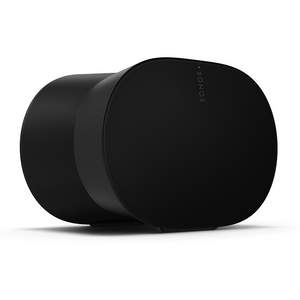
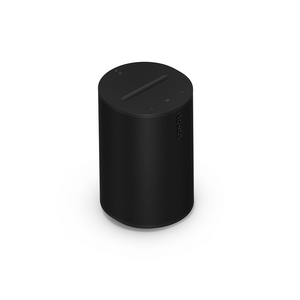
It depends on where you'll use it. For a kitchen, bedroom or home office, Era 100 is the all-rounder, or Era 100 SL if you don't need voice control. For a larger room or spatial audio with Dolby Atmos music, choose Era 300. If you want to take music into the garden or away from home, pick a portable: Roam 2 is the smallest, Play gives all-day battery life, and Move 2 has the biggest portable sound.
Which Sonos speakers have Alexa built in?
Era 100, Era 300, Roam 2, Play and Move 2 all work with Amazon Alexa and Sonos Voice Control. Era 100 SL has no microphones, so it has no built-in voice control, though it can still be controlled by voice from another Sonos speaker or an Alexa device. Current Sonos speakers do not support Google Assistant.
Can I stereo pair two Sonos speakers?
Yes. Two speakers of the same model in the same room can be stereo paired in the Sonos app for wider, fuller sound. Era 100 SL can also be paired with a standard Era 100, which makes it a lower-cost way to build a stereo pair.
Do Sonos speakers work with Bluetooth?
Yes. Era 100 SL, Era 100, Era 300, Roam 2, Play and Move 2 all have Bluetooth as well as Wi-Fi. At home, Wi-Fi gives you multi-room playback and the full Sonos app experience; Bluetooth is handy away from home or for a guest's phone. Era speakers need to be set up on Wi-Fi with the Sonos app first.
Can I add a Sonos Sub to a speaker?
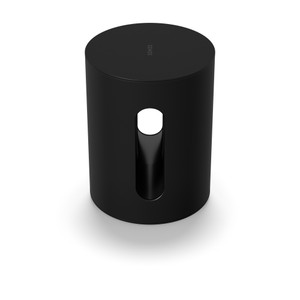
Yes, for Sonos home speakers. A Sonos Sub Mini or Sub 4 can be added to speakers such as Era 100 and Era 300, as well as to Sonos soundbars. The portable speakers (Roam 2, Play and Move 2) are not compatible with a Sonos Sub. Sub Mini suits small to medium rooms; Sub 4 delivers the deepest bass for larger rooms and home cinema.
Can I use Sonos speakers as rear surrounds for a soundbar?
Yes. A pair of Era 100 SL, Era 100 or Era 300 speakers can be added to a Sonos soundbar as wireless rear surrounds. Era 100 SL is the most affordable way to do this. Not sure which soundbar to start with? See our guide: Which Sonos soundbar is right for me?
What's the difference between Roam 2, Play and Move 2?
All three are portable Sonos speakers with Wi-Fi, Bluetooth and a rechargeable battery. Roam 2 is the smallest and lightest, with up to 10 hours of battery and IP67 waterproofing. Play sits in the middle, with up to 24 hours from a replaceable battery, IP67 waterproofing and a charging base in the box. Move 2 is the largest and most powerful, with up to 24 hours of battery, best suited to the garden or patio.
Which Sonos speaker do I have?
Open the Sonos app and go to Settings, where each product in your system is listed by name and room. The model name is also printed on the label on the base or back of the speaker.
Will new Sonos speakers work with my older Sonos system?
All current Sonos speakers, including every product on this page, work only with the current Sonos app, now called Sonos 27 (previously Sonos S2). They do not work with the older Sonos S1 Controller app. Most older Sonos products, such as Play:1, Play:3, Playbar and Sonos One, can be updated to the current app and grouped with new speakers. A few early products, such as Bridge, Connect (Gen 1), Connect:Amp (Gen 1) and Play:5 (Gen 1), only work with S1. They can run as a separate S1 system on the same network, but can't play in sync with new speakers. Not sure what you have? Call us on 01252 811800 or pop into our Fleet showroom with your model names and we'll check for you.
Can I hear Sonos speakers before I buy?
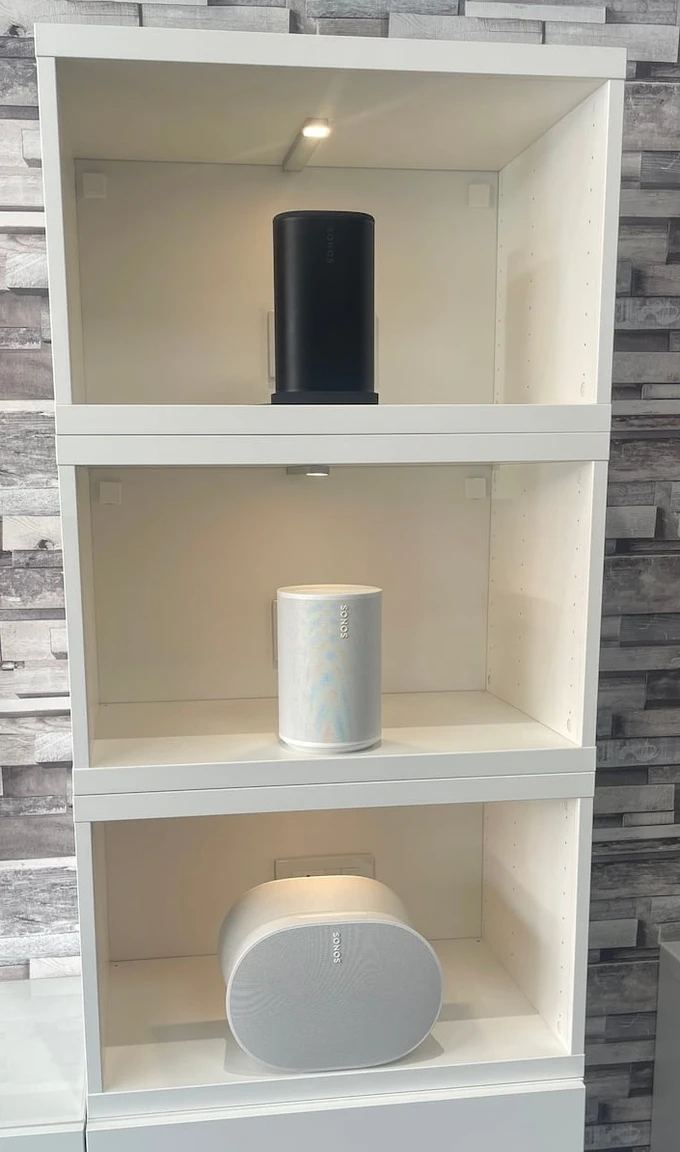
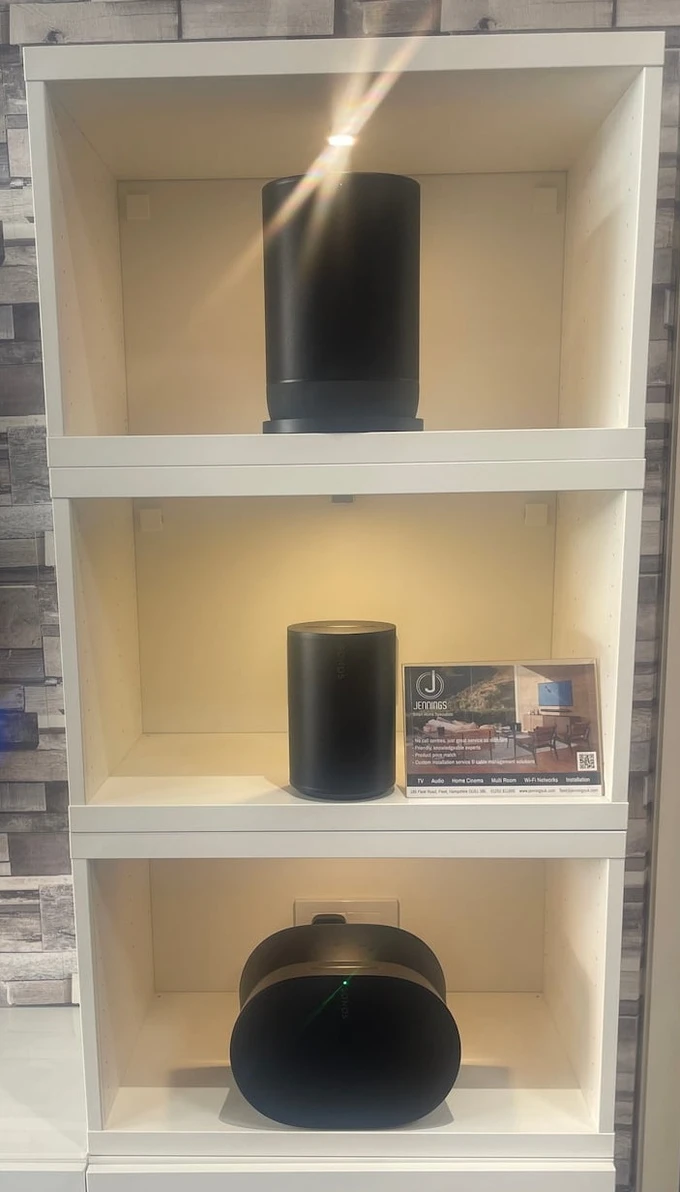
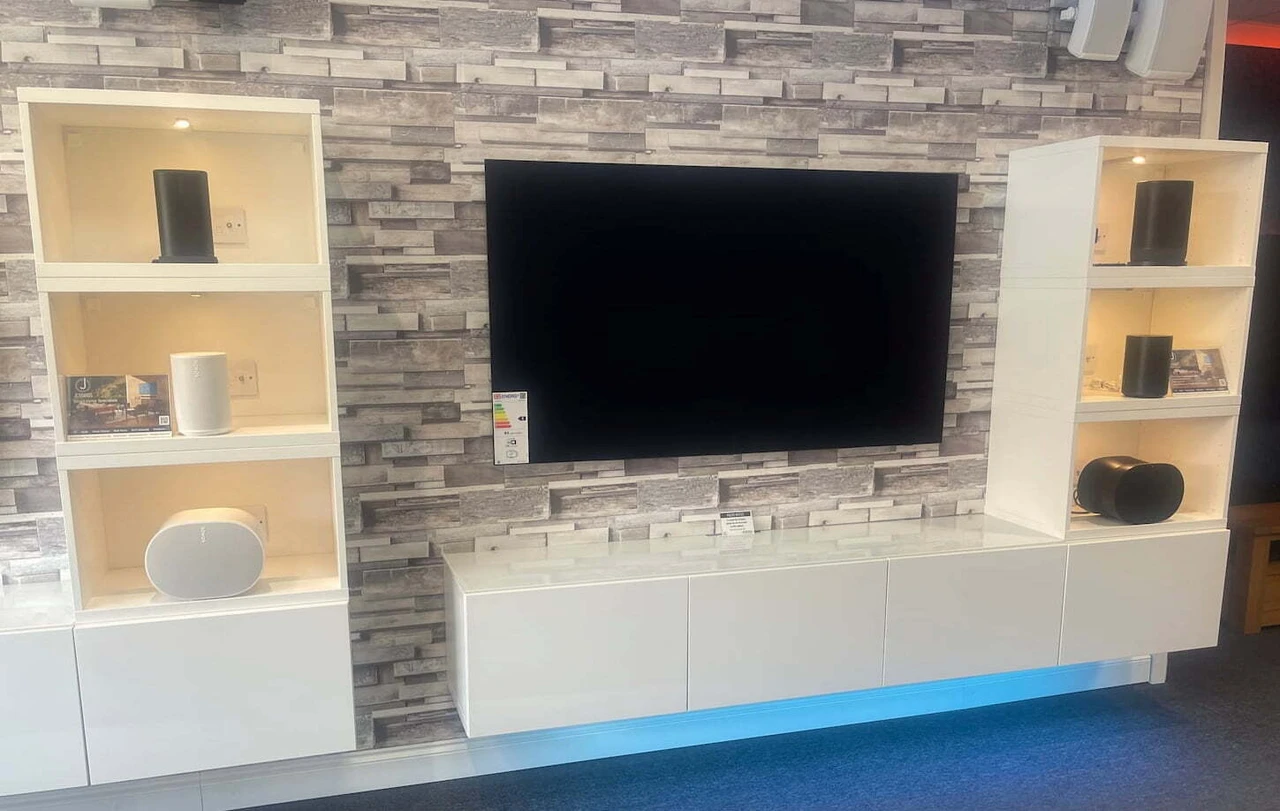
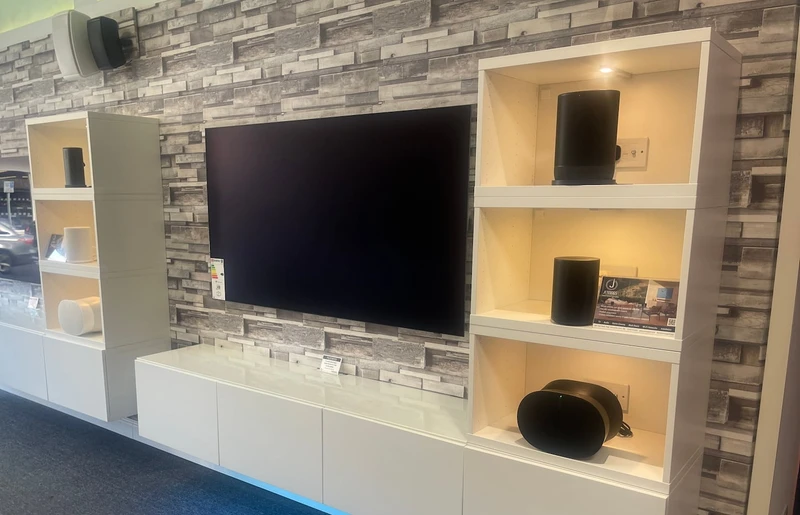
Yes. Jennings Sound & Vision is an authorised Sonos dealer with a walk-in showroom at 185 Fleet Road, Fleet, Hampshire, GU51 3BL. Sonos speakers are on demo in our Fleet showroom, with no appointment needed, or call 01252 811800 to book a time.