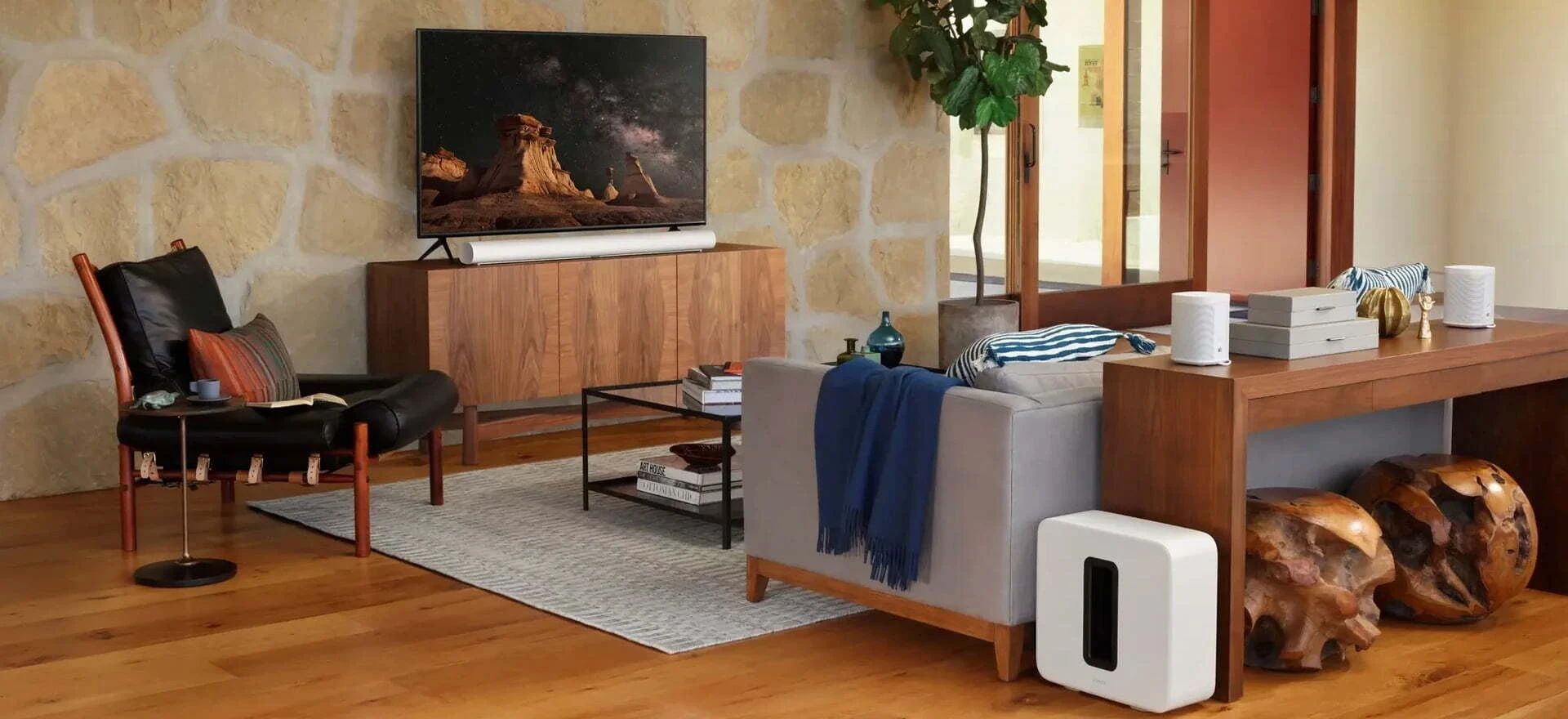
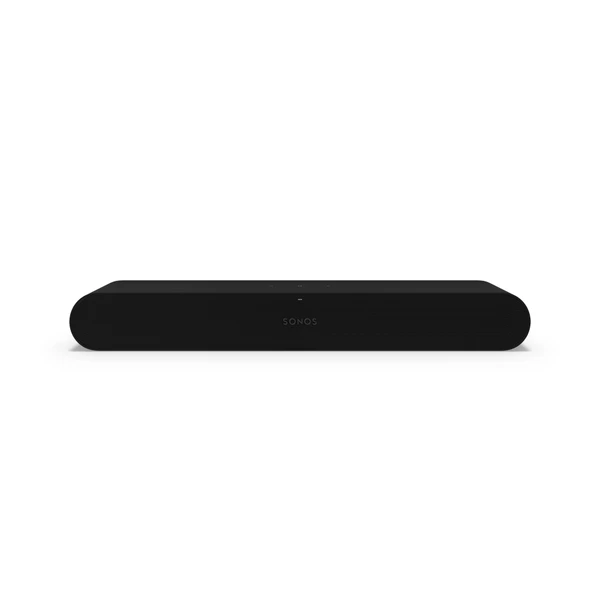
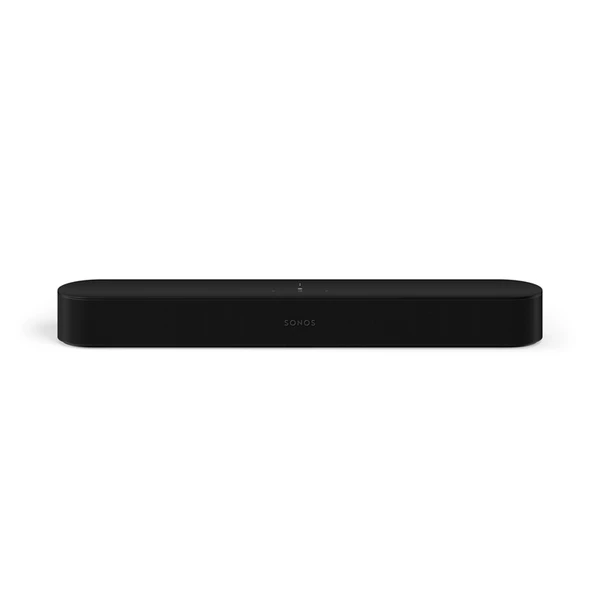
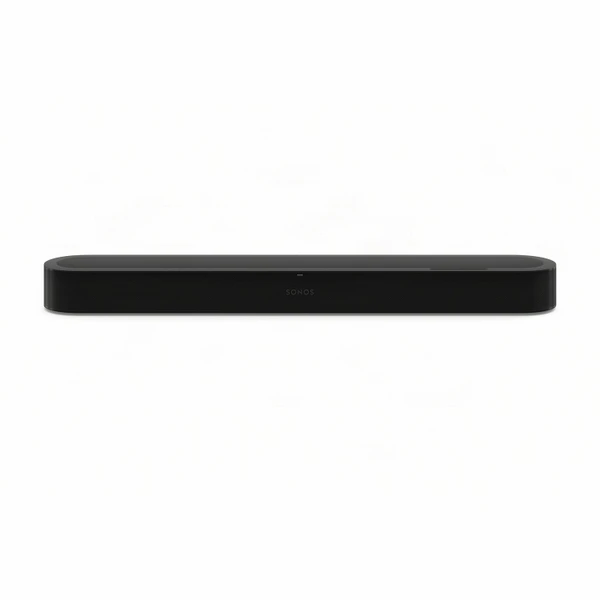
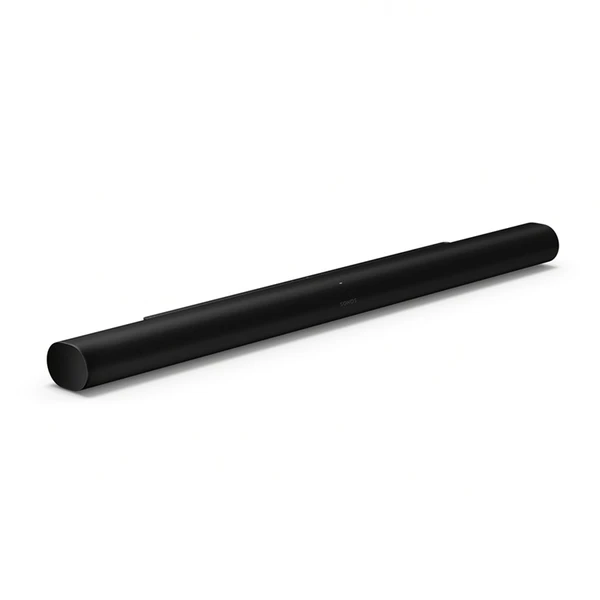
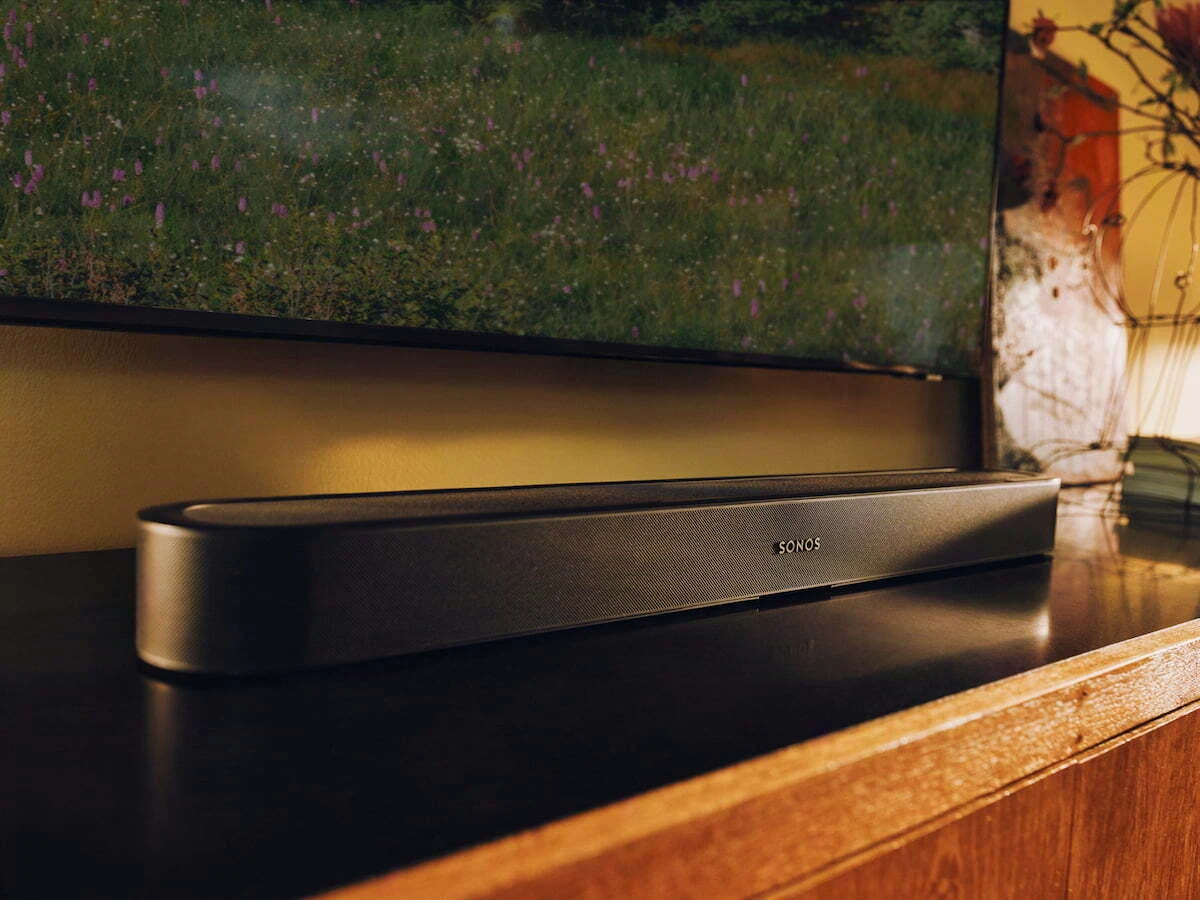
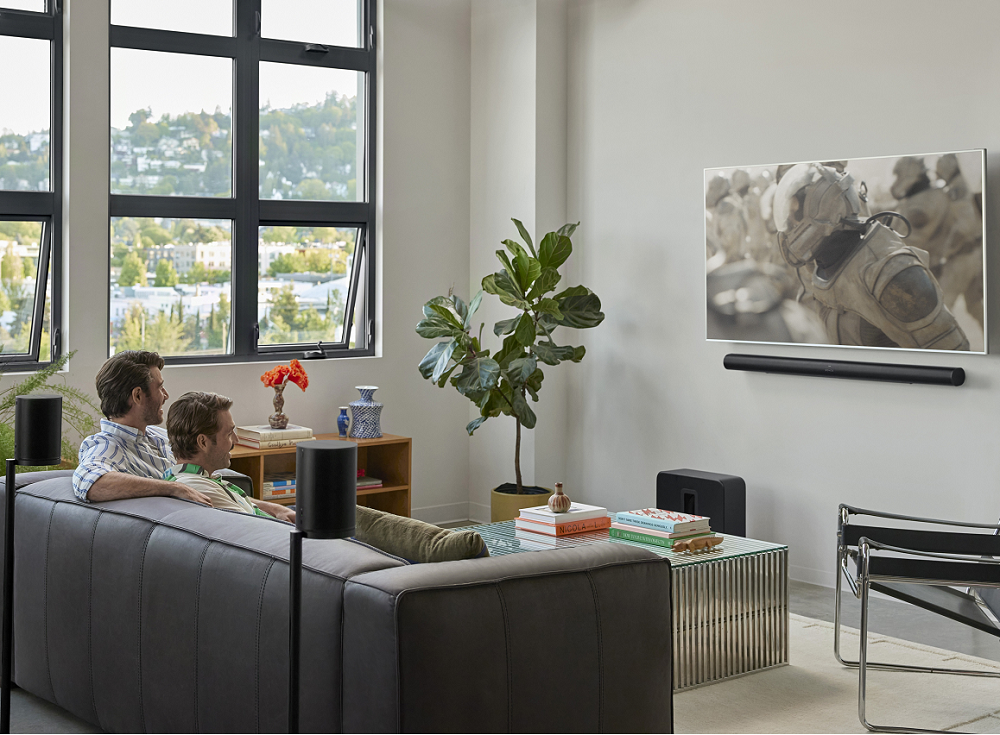
A Sonos home cinema system starts with one soundbar: the compact Ray, Beam (Gen 2), the new Beam Ultra, or the flagship Arc Ultra. You can then add a Sonos Sub and two wireless surround speakers whenever you're ready. Everything connects wirelessly and is controlled from the Sonos app. At Jennings Sound & Vision in Fleet, Hampshire, we're an authorised Sonos dealer and can demo, supply and professionally install your system.
The Beam Ultra has nine drivers, four more than Beam (Gen 2). Two of them fire upwards to bounce real Dolby Atmos height effects off your ceiling. It sits between Beam (Gen 2) and Arc Ultra, giving you real Atmos height without the length of an Arc Ultra.
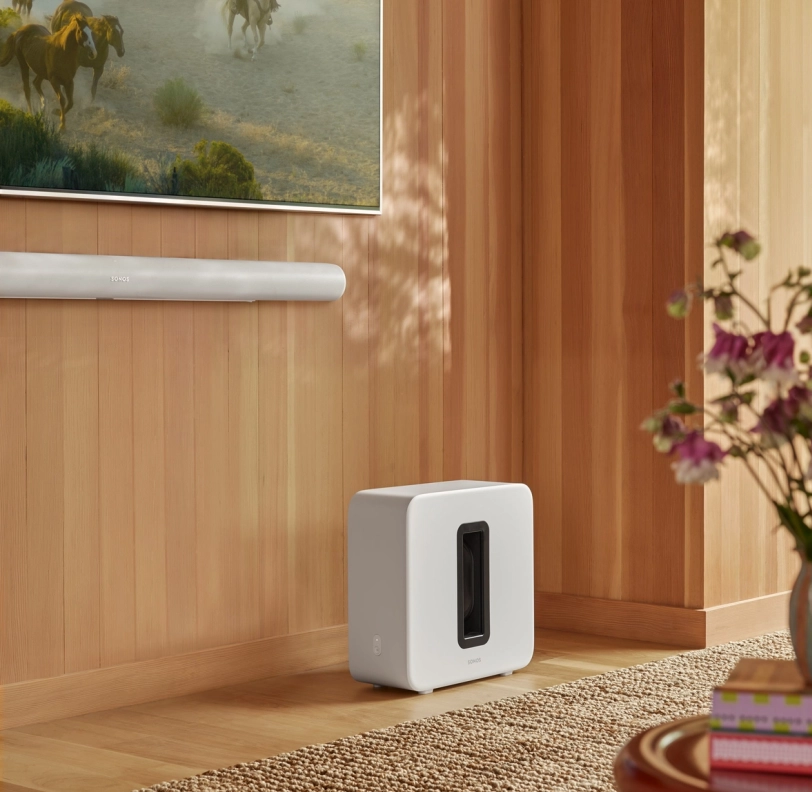
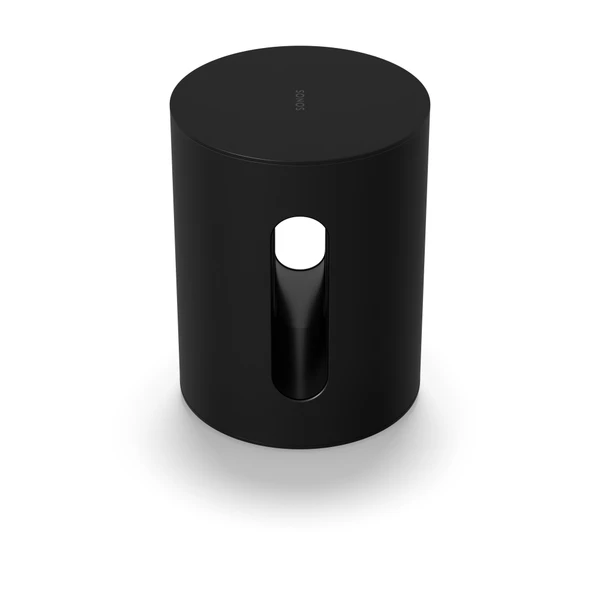
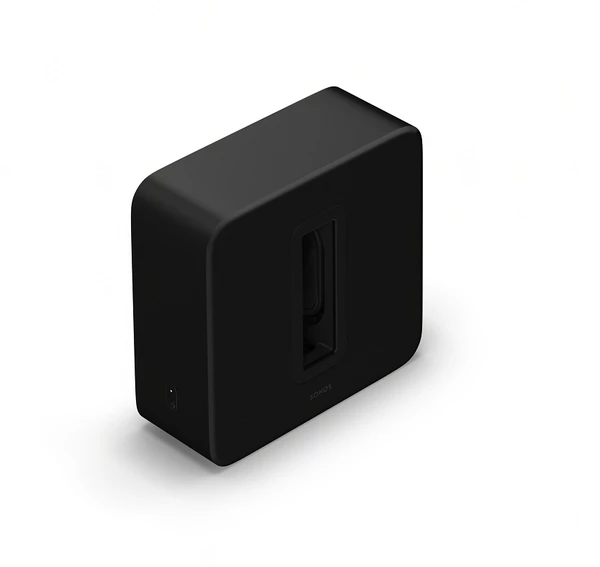
A Sonos Sub adds the rumble you feel as well as hear, from explosions to film scores. Hide it out of sight, plug it into power and it links wirelessly to your soundbar.
Two wireless surround speakers behind or beside your seating turn your soundbar into a true surround sound system. Just plug them into power and pair them in the Sonos app.
Sonos Ray2 × Era 100 SL
Beam (Gen 2), Beam Ultra or Arc Ultra2 × Era 100 SL, or 2 × Era 300 for added rear height effects in Dolby Atmos
Already own two Sonos Play or two Move 2 speakers? They can double up as temporary rear surrounds for Beam (Gen 2), Beam Ultra or Arc Ultra on movie night, then go back to being portable speakers. You'll need a matching pair (not one of each), and this isn't available on Sonos Ray. You can still add a Sub Mini or Sub 4 to the same system.
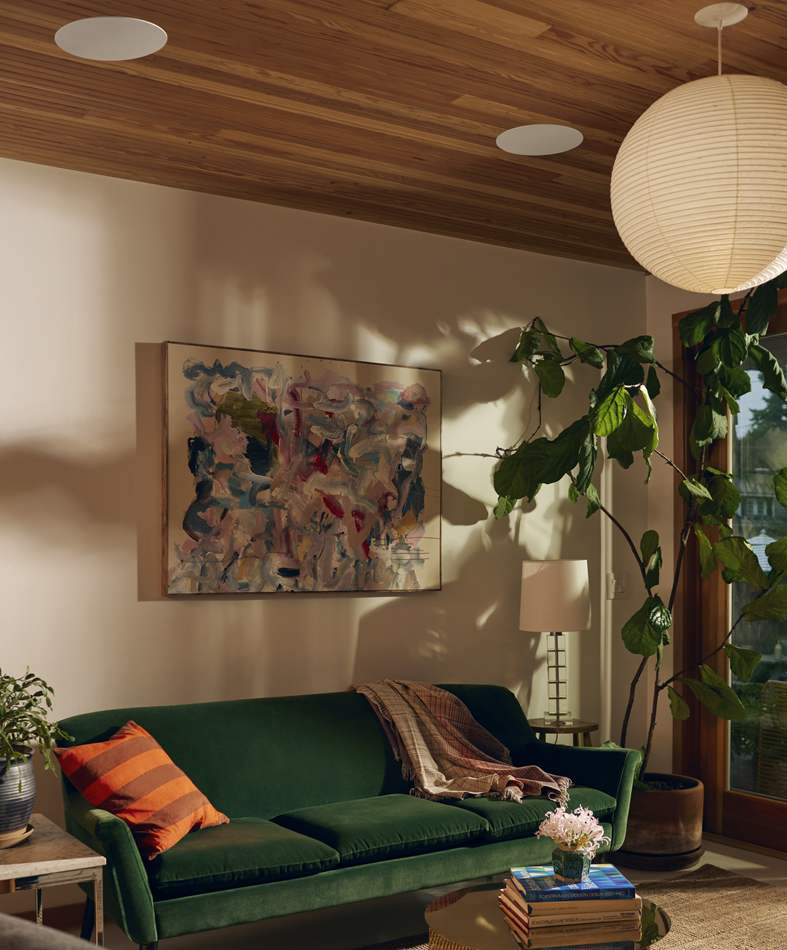
Discreet In-Ceiling Surround Sound
If you'd rather not see your surround speakers, Sonos in-ceiling speakers blend into the room. They're powered by a Sonos Amp and work as surrounds with the Ray, Beam (Gen 2), Beam Ultra and Arc Ultra, with a choice of 6" or larger 8" in-ceiling models.
Each Sonos soundbar has its own dedicated wall mount. The Beam Ultra is not compatible with Beam (Gen 2), Arc or Arc Ultra wall mounts, so if you're upgrading, you'll need the Beam Ultra mount. For best Dolby Atmos results, Sonos recommends leaving at least 10cm of clear space above the Beam Ultra.
Since 1996, our family-run showroom at 185 Fleet Road, Fleet GU51 3BL has helped local customers choose the right TV sound system. The Sonos Ray, Beam (Gen 2), Beam Ultra and Arc Ultra are all on demo in our Fleet showroom, so just drop in to hear the difference, no appointment needed. Questions before you visit? Call us on 01252 811800 or email fleet@jenningsuk.com.
What's the difference between the Sonos Beam Ultra and Beam (Gen 2)?
The Beam Ultra has nine drivers compared with Beam (Gen 2)'s five. Two of those drivers fire upwards for real Dolby Atmos height, rather than Beam's virtual height processing. It also moves from 5.1.2 to 7.1.2 sound and adds AI Speech Enhancement for clearer dialogue.
Should I choose the Beam Ultra or the Arc Ultra?
Both have upward-firing drivers for true Dolby Atmos. The Beam Ultra suits mid-size TVs and rooms where a shorter soundbar fits better. The Arc Ultra, with 14 drivers and 9.1.4 sound, is the better match for larger TVs and bigger rooms.
Can I add a Sub and surround speakers later?
Yes. Every Sonos soundbar can be expanded with a Sonos Sub and a pair of surround speakers at any time. The new speakers set up in minutes through the Sonos app.
Can I use Sonos Play or Move 2 speakers as surrounds?
Yes, with Beam (Gen 2), Beam Ultra, Arc or Arc Ultra, following the Sonos 27 software update. You'll need a matching pair of Play speakers or a matching pair of Move 2s, and both need to be in the same room as the soundbar. Sonos Ray doesn't support portable surrounds, so pair it with Era 100 SL surrounds instead.
Will my existing Sonos wall mount fit the Beam Ultra?
No. The Beam Ultra needs its own dedicated wall mount, and Sonos advises against using mounts made for Beam (Gen 2), Arc or Arc Ultra.
Does my TV need HDMI eARC for Dolby Atmos?
Yes. Dolby Atmos on Sonos soundbars needs Dolby Atmos content and a compatible HDMI eARC connection on your TV. If you're unsure whether your TV has eARC, give us a call.
Do you install Sonos home cinema systems near Fleet?
Yes. Our installer covers Fleet and the surrounding north Hampshire and Surrey towns, including Farnborough, Farnham and Camberley. We can wall mount your soundbar, position your Sub and surrounds, and tune the whole system for your room.